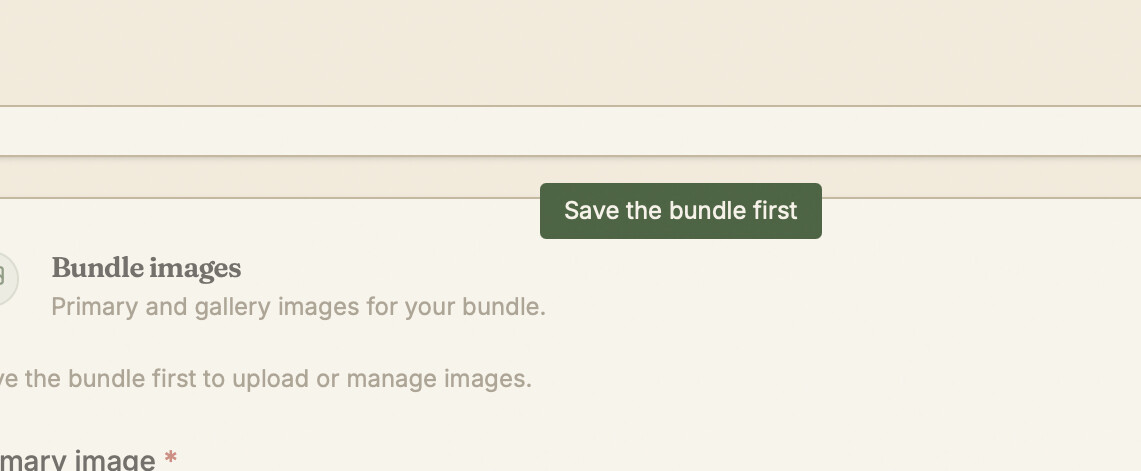
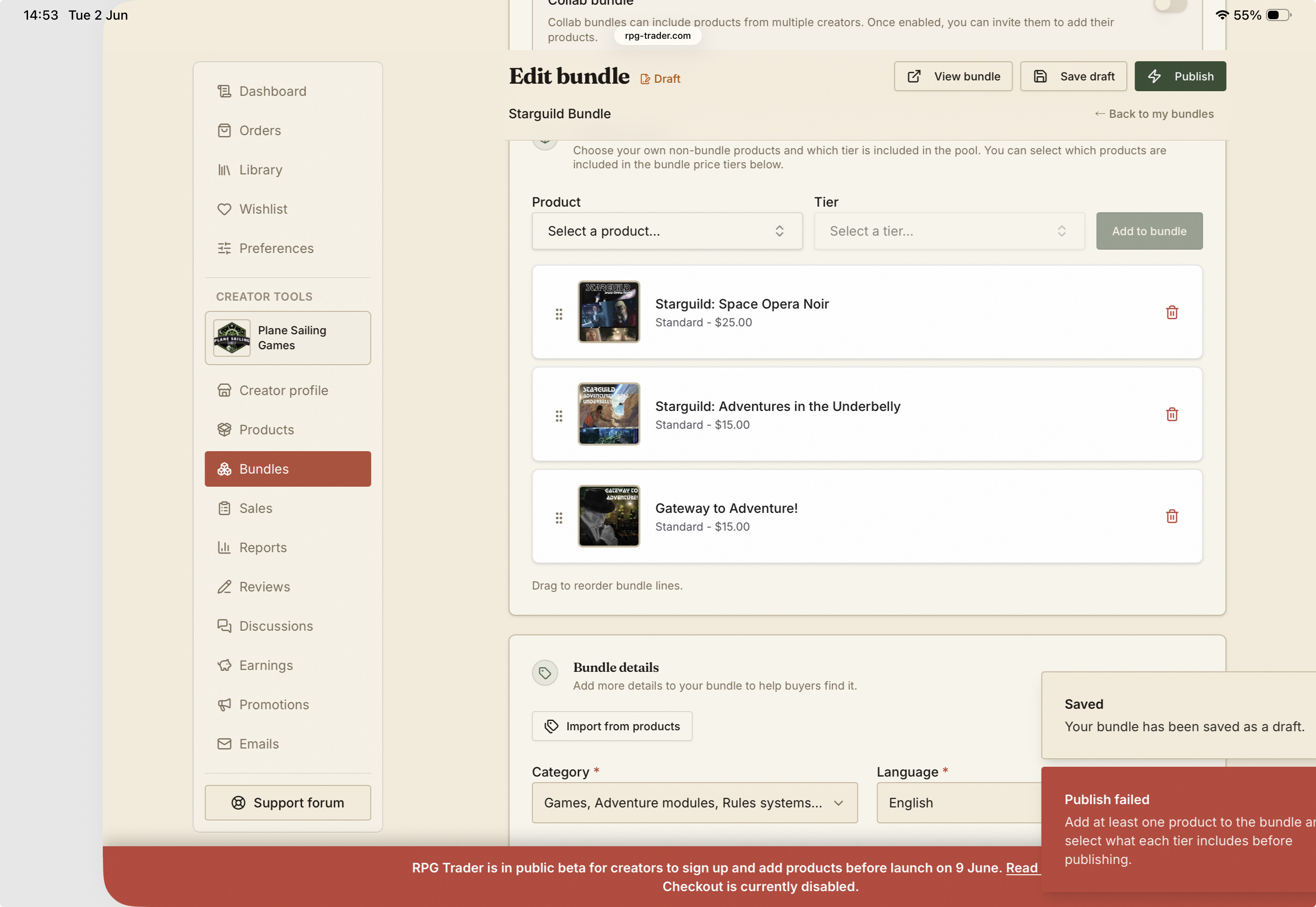
When I try to create a bundle, it won’t let me publish the bundle without uploading a primary image - but it won’t let me upload a primary image without first saving the bundle!
Safari on iPadOS 26 and MacOS 15.
When I try to create a bundle, it won’t let me publish the bundle without uploading a primary image - but it won’t let me upload a primary image without first saving the bundle!
Safari on iPadOS 26 and MacOS 15.
You should be able to save it as a draft before uploading an image - is that not working for you? We just tested this again, and it should be working, but if you’re seeing something different (like if the save draft button isn’t visible) please say so.
Thanks for the feedback - that update makes sense, and we’ll get that sorted.
I did find one other misleading message - I had added my products to the bundle, but hadn’t set a price (so it was on the default of free) and I got this message about needing to add products. I didn’t do anything with the products, but added a price, and after that I could publish. Just mentioning in case it is worth looking at.
It looks like your bundle is published now, so that’s great!
That error would have shown because you hadn’t selected the products to include in the pricing tier. If there are no pricing tiers with products selected to be included in them, then there’s nothing for people to buy, so you’ll see an error like that. It could maybe be worded a little better though, so we’ll update that.
Thanks for putting this through its paces so helpfully!