I don’t know if I’m sizing/formatting my files incorrectly or if this is an issue with Lulu.
I’ve setup two of my games for Print on Demand, setting up Bleed and margins and following the sizing requirements set on the PoD page and Lulu. But in both instances it seems like the Bleed and safety areas I designate are ignored. Both products are printed with large white spots that don’t exist in the files.
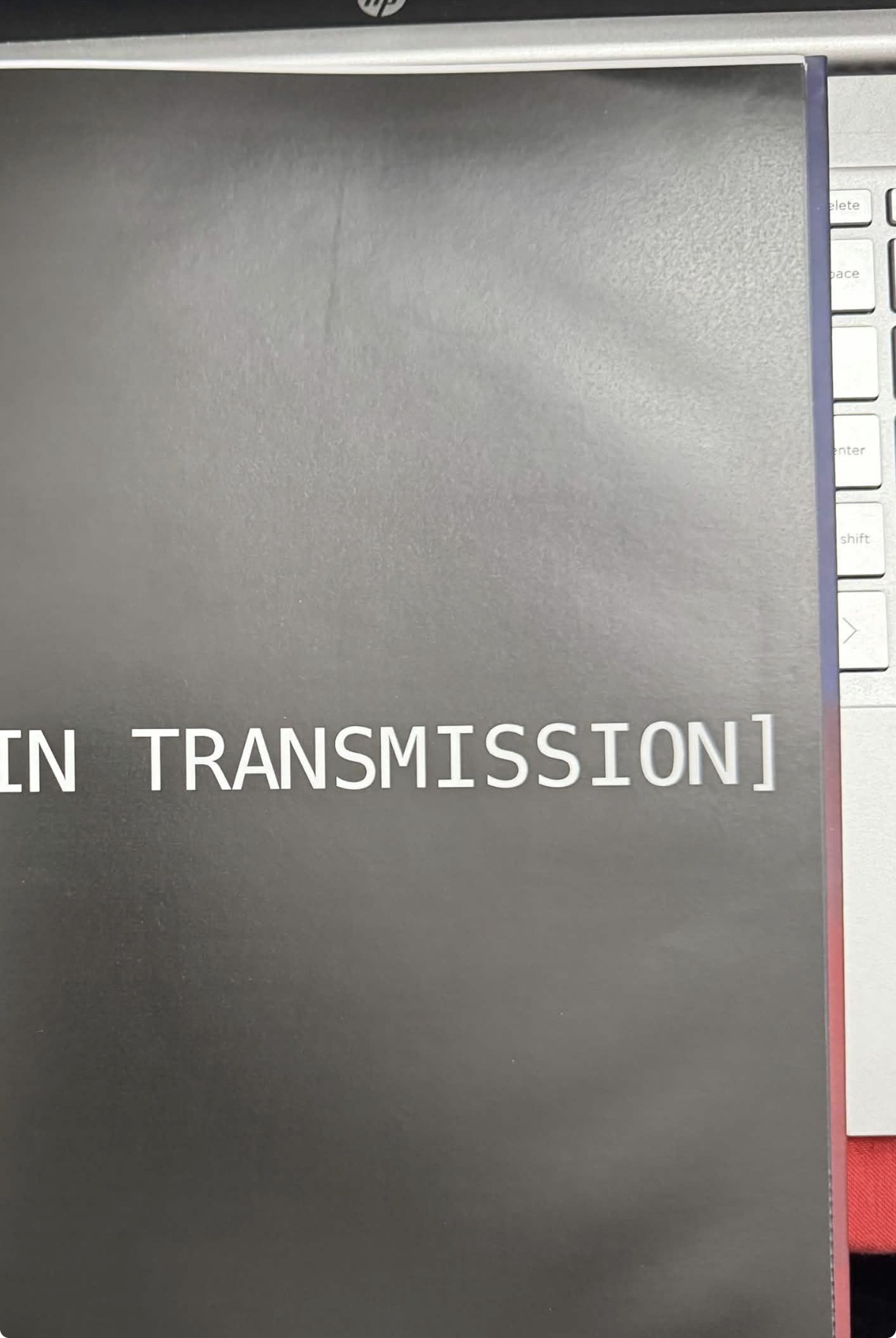
I’ve attached some examples of a recent print on my game FIST-Tactics. The file was setup to have a Black Bleed area around the page contents to avoid this kind of issue. But it seems like the printer didn’t use it?
Who is best to contact for this, you guys or Lulu? And what do you all recommend for troubleshooting?
I had a look at your files, and it looks like you had not included the required bleed of 0.125"/3.18mm. When this happens, the printers automatically add a white bleed margin.
The problem on our side is that we didn’t show a warning when this happens, and it wasn’t shown in the print preview, so you had no way to know before ordering a copy.
We have now remedied things to make it clear what’s going on with the bleed. If you have a look at your print preview now, you’ll see a message above the preview saying that your interior file does not include bleed, and a white bleed margin has been added to the file (which is what happens at printing time when it isn’t included). You will now also see this reflected in the print preview itself.
If you use the appropriate print template file, you can will have the correct sizing with bleed included. You can find print templates here: Print templates | RPG Trader
Even though the problem here was that your file didn’t include bleed, we did have an issue on our side with the print preview and no warning being displayed. With that in mind, if you place a new order for the book, just let us know the order number and we’ll refund it for you in full.